
Post Good Receipts for Purchase Orders (PO)
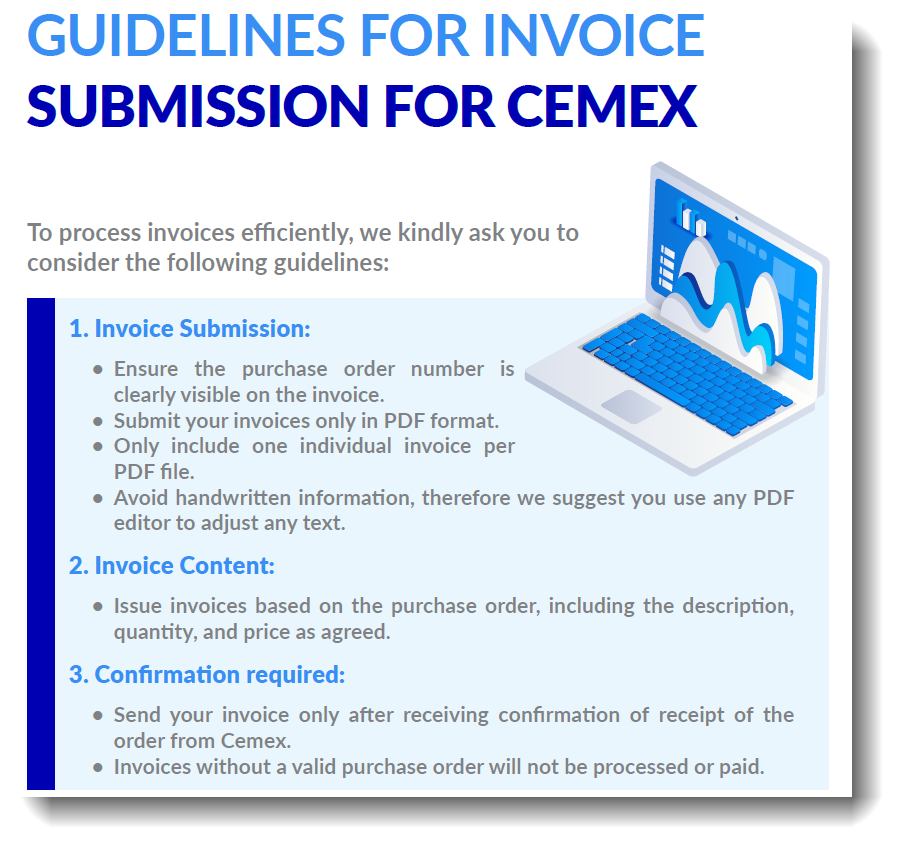
Once the vendor sends the final invoice and it is released by the manager (for those over $500), follow the steps below to post a Good Receipt (GR) in SAP.
Step 1: Open Post Good Receipts (GR) Transaction ZB01
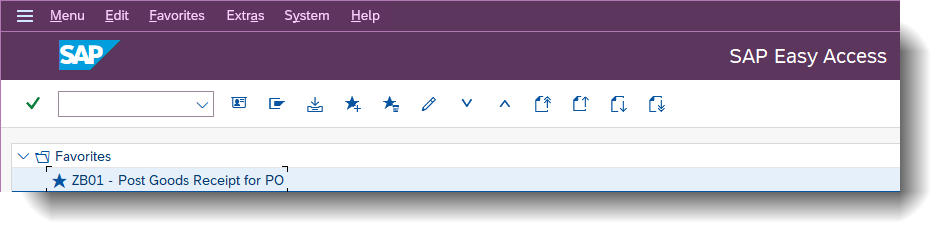
Step 2: Fill in PO Information
- Document Date: Use the date on the work order/invoice.
- Delivery Note: Invoice number
- Doc. Header Text: Invoice number
- Movement: 101
- Purchase Order: PO number that was created to pay the invoice
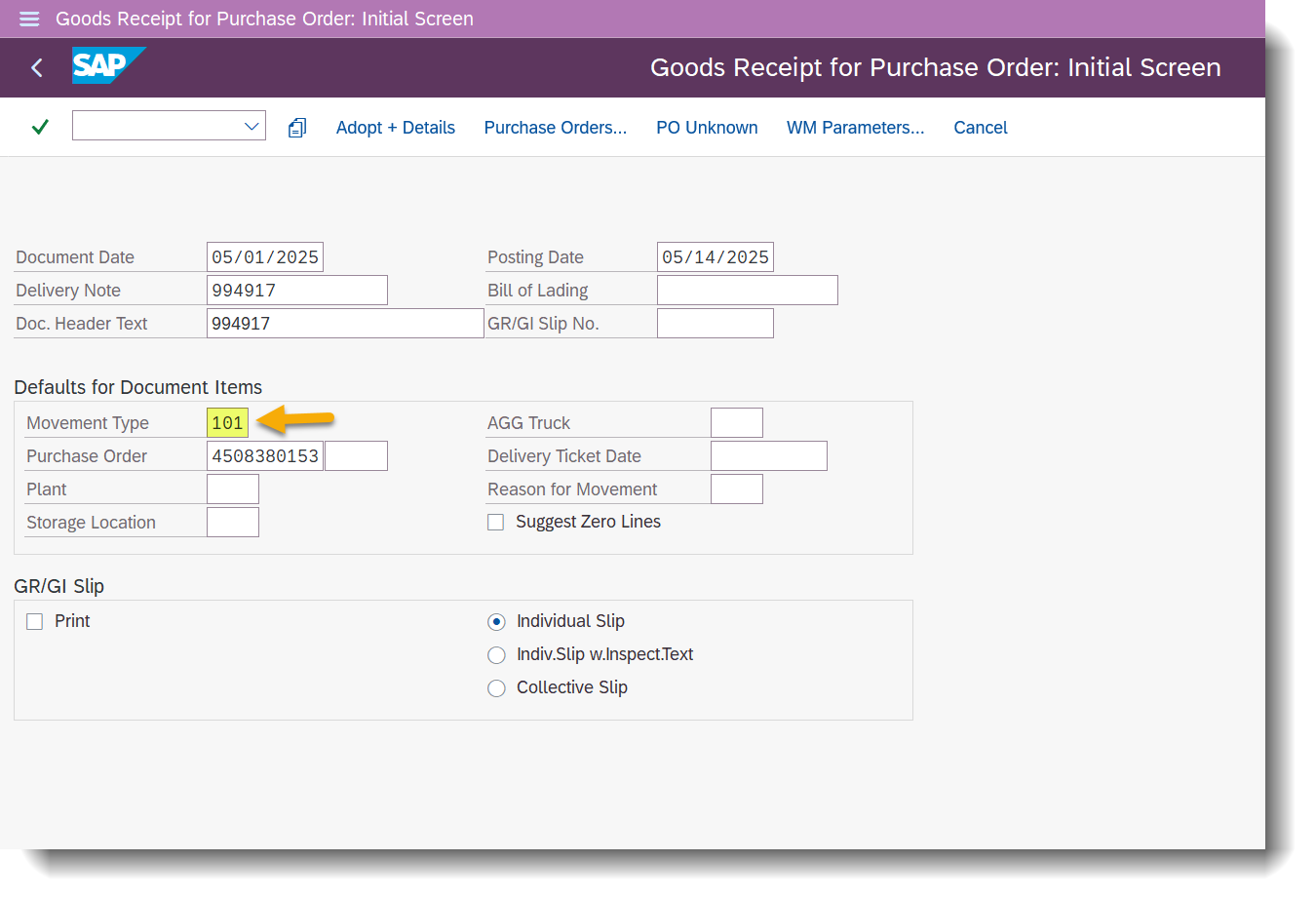
Click Enter and Save. Write down the GR number on the final invoice for reference.
NOTE
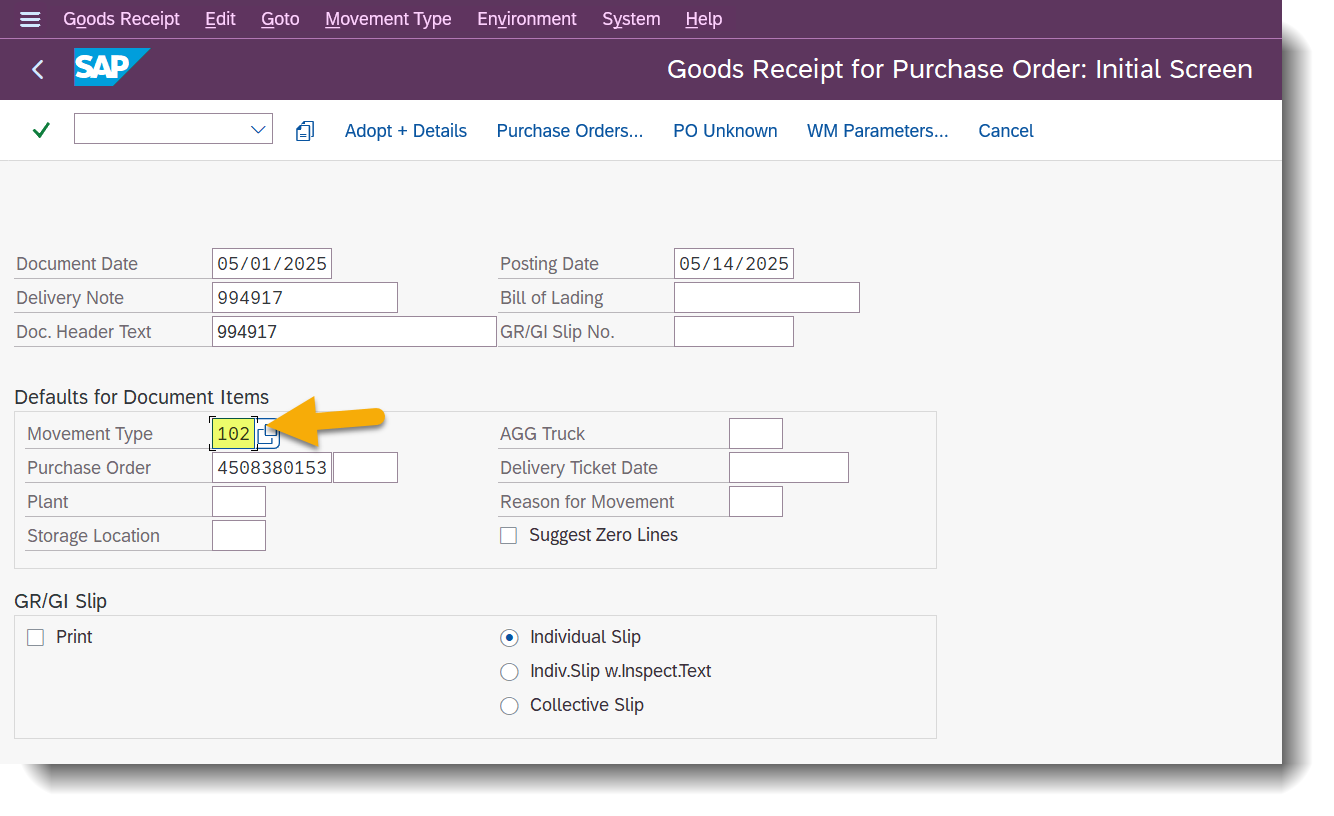
To reverse a GR in order to update information in the PO, use movement type 102.
Step 3: Send Invoice to POP Team
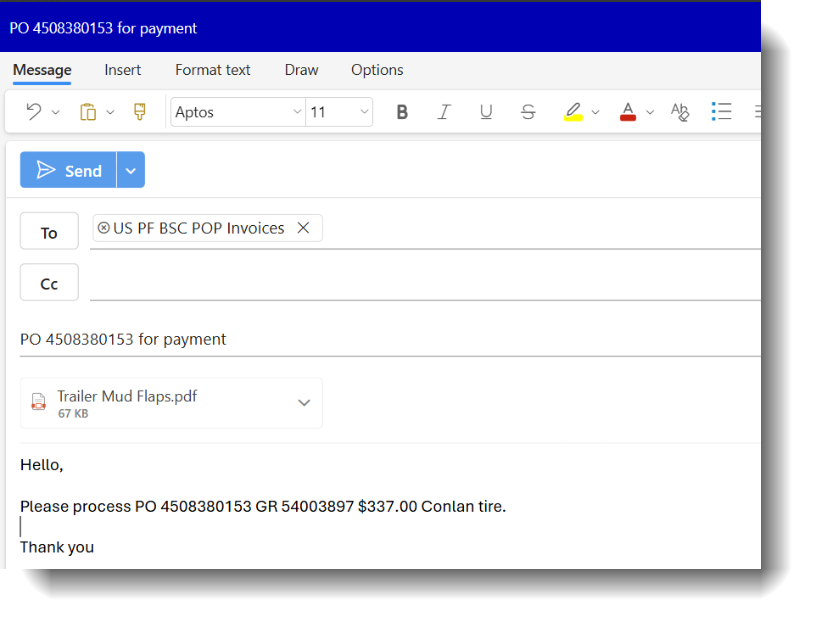
To process payment to the vendor, email the invoice based on urgency:
Non-past due invoices → POPInvoices@cemex.com
Urgent/past due invoices → POPBusinessServices@cemex.com
Additional information:
If the PO has been closed by SAP due to time limits, send an email to USPOReopen@cemex.com.
For previous-year POs, request approval from Corey Dillon and Christine Kamp.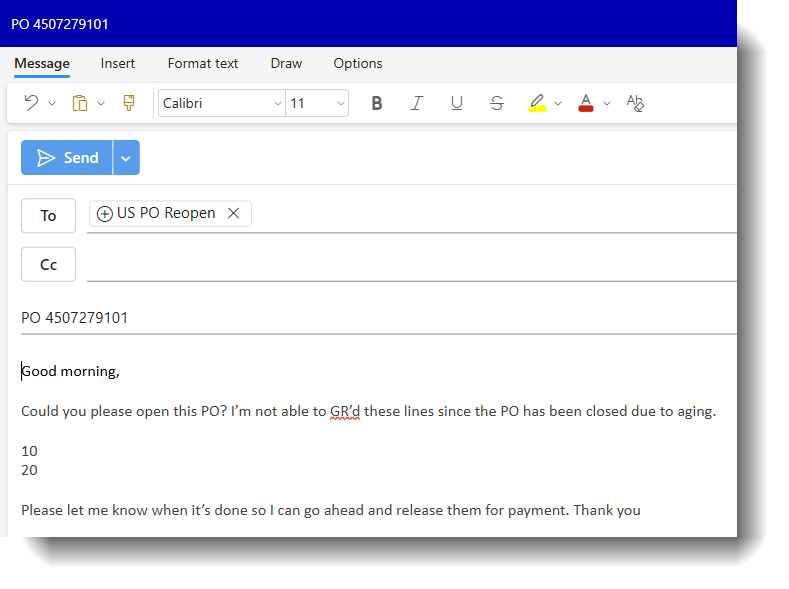
For previous-year POs, request approval from Corey Dillon and Christine Kamp.
Need Help?
If you're unsure about PO numbers, movement types, or approval requirements, contact your local SAP Support opening a case with ServiceNow.